Most people get stuck on one thing only: this app needs microG-RE instead of Google Play Services, and it must be installed first. This page shows the whole thing — a screen recording, every step, and what each screen should look like.
The whole install, start to finish. If the video is still processing, the written steps below are complete on their own.
▸ Tap play — the recording is under 15 MB, so it should start quickly.
Follow in order. Skipping step 1 or 2 is the #1 reason nothing works.
Tap the first button below. It lands the official MicroG RE APK straight into your downloads — 107 MB, works on every phone.
Open the downloaded microg-7.2.1.apk and tap Install. Android will ask you to allow "Install unknown apps" for your browser or file manager — tap Allow and come back. This prompt only appears once.
Open microG-RE → Settings → Signature spoofing → switch on T YouTube. Then go back.
Tap the second button, open T-YouTube-v1.1.0.apk, tap Install. Allow the unknown-app prompt if it appears.
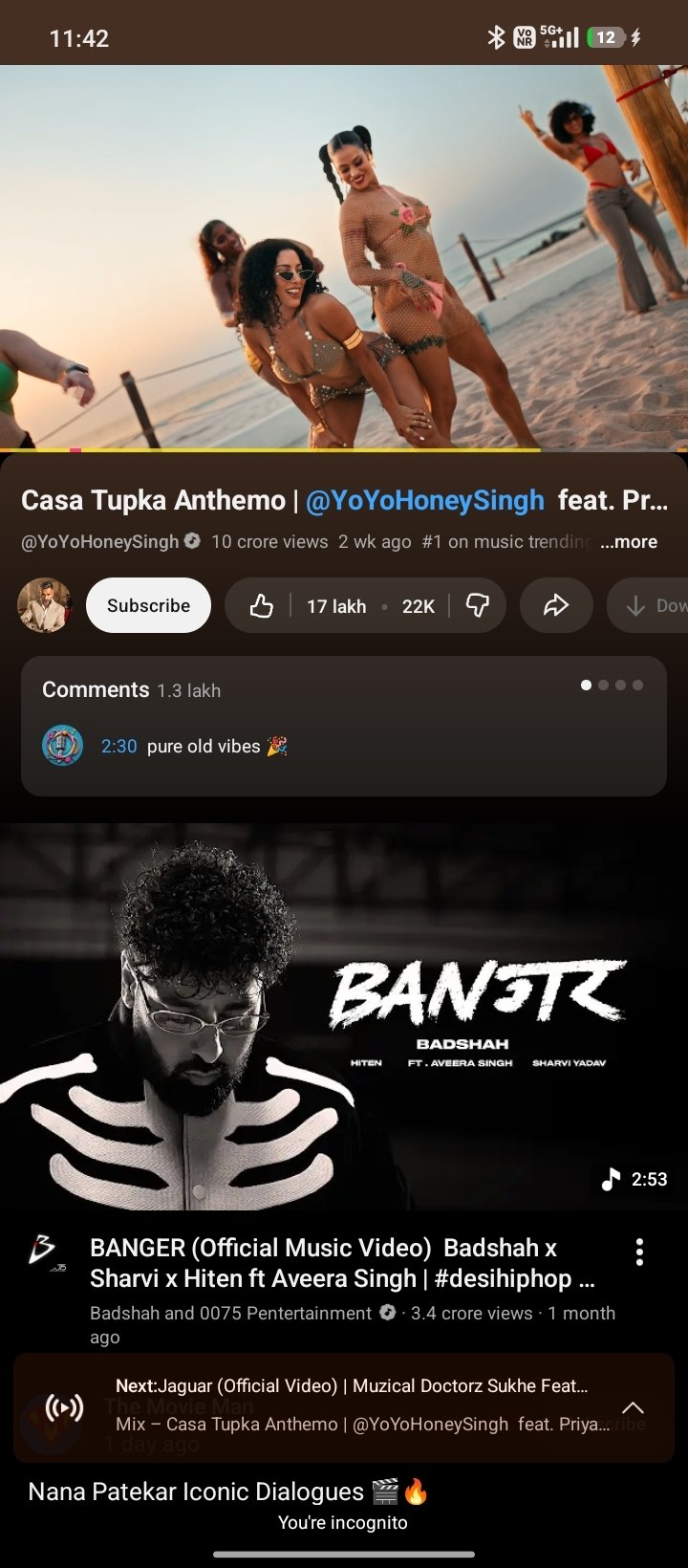
Launch T YouTube from your app drawer. Sign in, and it plays.
Real captures from the v1.0.0 build. Use them to confirm you did each step right.
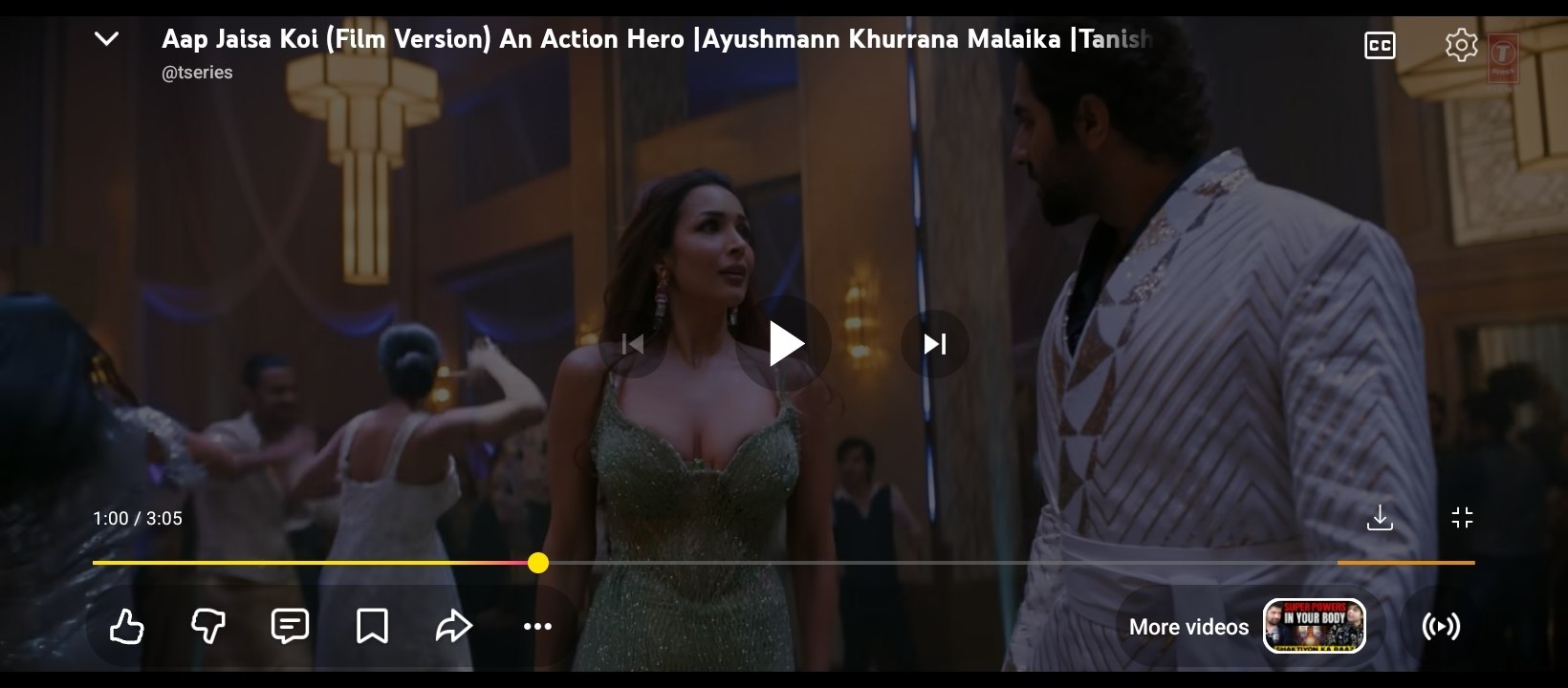
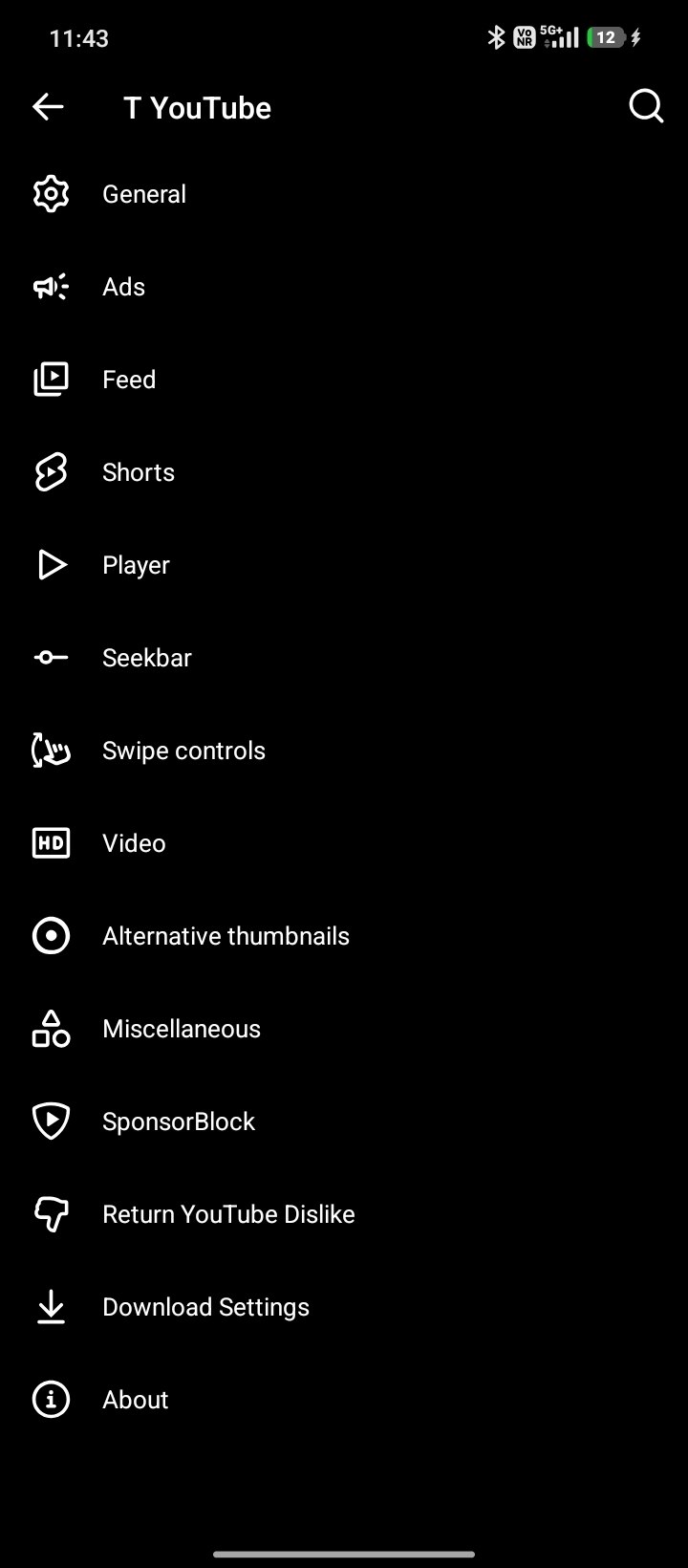
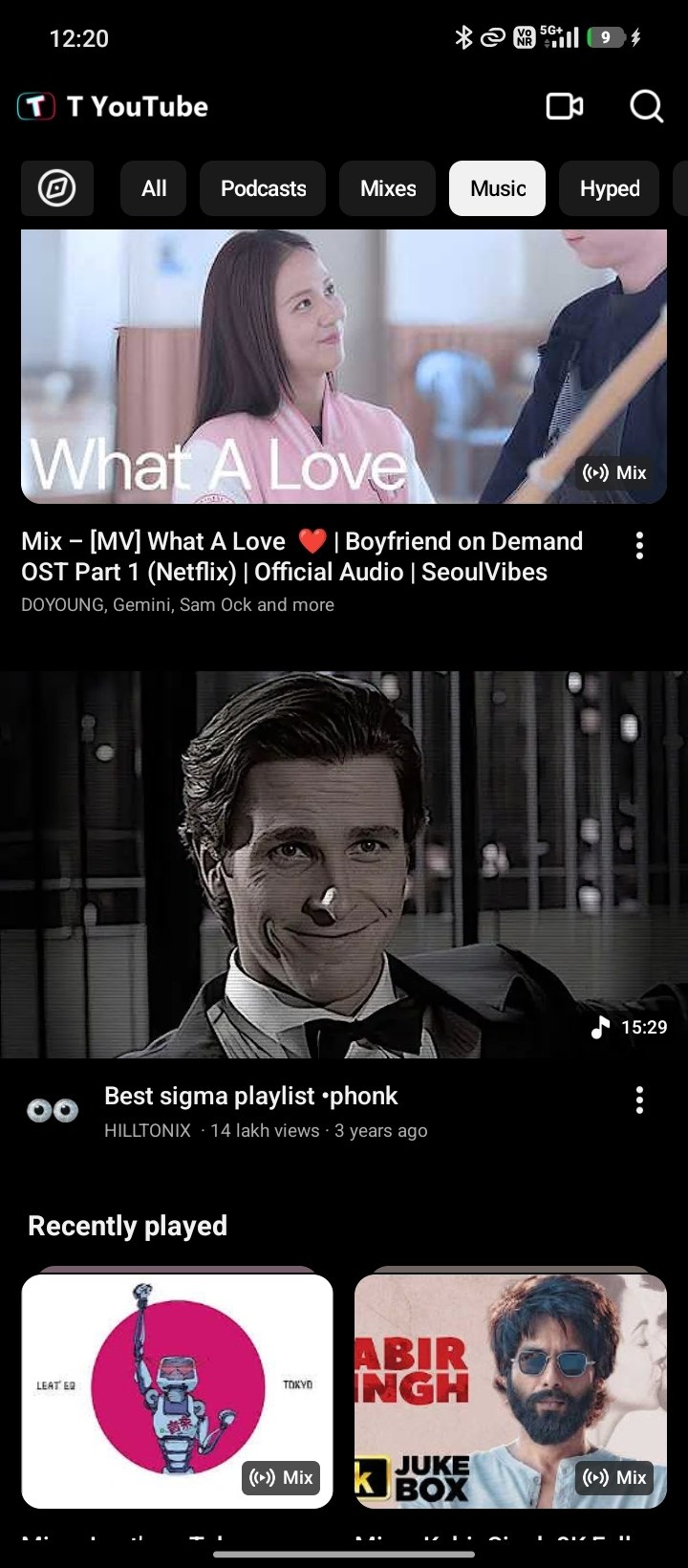
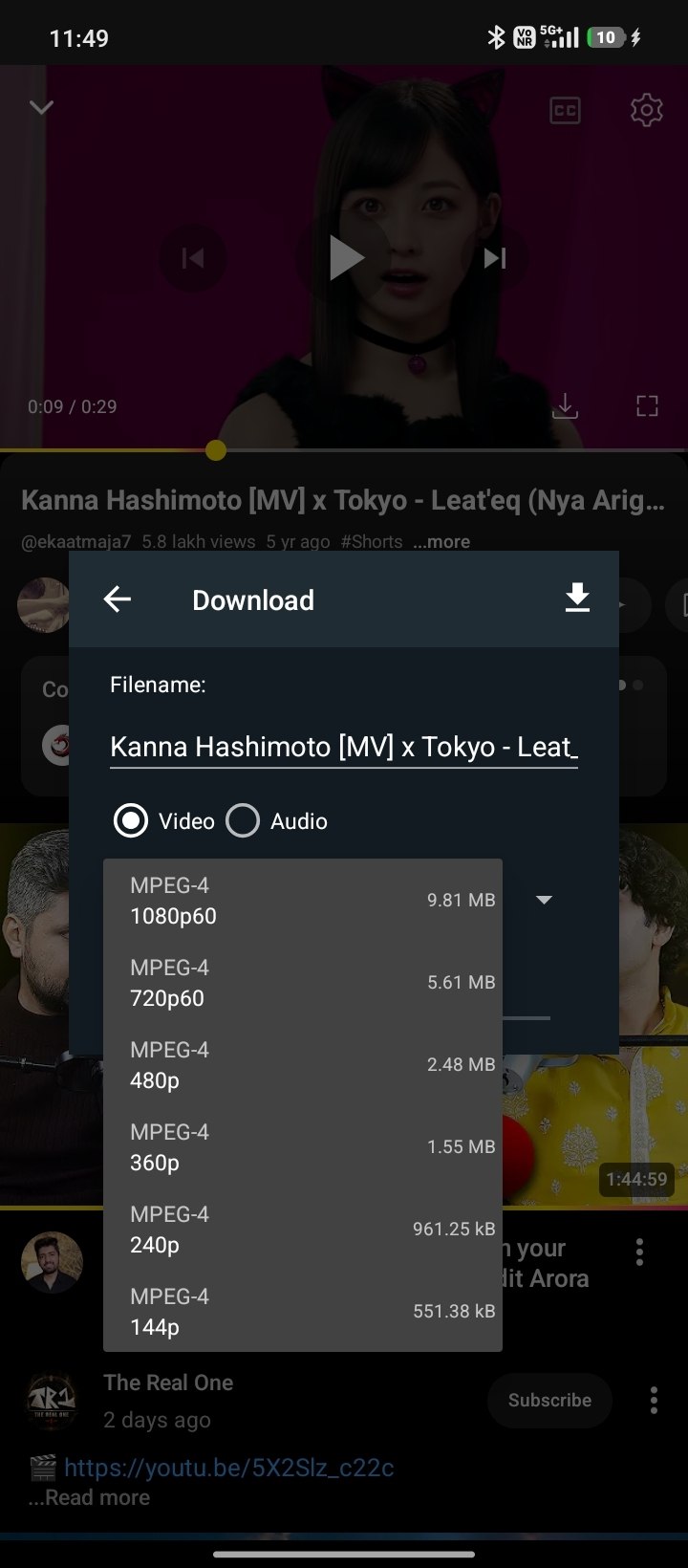
Both buttons go straight to the file — one tap, no extra page.
The Google Play Services replacement T YouTube runs on. Nothing works without it, and it must be in place before the app.
107 MB · universal · Apache-2.0 Download microG-REThe official stable update. Installs straight over v1.0.1 or any earlier test build without touching your logins, settings or downloads.
212 MB · Android 10+ · universal Download T YouTubeSHA-256 for T YouTube v1.1.0 (stable) · 337f55a17c8fdd1ae458a4ab9e76ca3bd1335c3865ca0bb5de055fd078496d5c
Everything that was first shipped and verified as the Zversion 4 test build is now the recommended download. v1.1.0 fixes the three things that were still broken on the phone — the Shorts arrow never became the brand loop, tapping the toolbar download button did nothing, and the watermark sat too high — each at its actual root cause, and it keeps every v1.0.1 playback/download/theme fix.
reel_back_button id: the non-video and survey pages
<include> a second layout that still shipped the plain white arrow,
so findViewById() could hand the player that arrow instead of the loop.
Both now carry the 8-second loop, and it restarts once the view really has focus so
it can no longer freeze on the arrow.checkSelectedDownload is restored byte for byte (verified with a
diff — only 4 hunks) and only gains the duplicate handling below.Verified APK · promoted from test-v1.1.0 without rebuilding · SHA-256 337f55a17c8fdd1ae458a4ab9e76ca3bd1335c3865ca0bb5de055fd078496d5c
v1.0.1 is still published and still installs in place. Install it over v1.1.0 if you ever want to go back — same signature, no data loss. It fixed the download crash on short titles, made downloads complete, restored long-video seeking, stopped Shorts from stalling, and set the dark theme as the default.
Size: 222,566,961 bytes
SHA-256: 71B0F782702129A0DDCC80EE0A7150F52FE0099671AB62692766B1C605EBE7FE
Purely a convenience. If you would rather not change anything, skip this page — everything in the app already works.
Android allows one app per website. While the official YouTube app is verified for youtube.com, T YouTube cannot take those links over silently — Google already owns them. You have to hand the links over once, in Android settings.
Shortcut: these two buttons jump straight to each app’s Android settings page when this guide is open on the phone. If your browser blocks them, use the steps above — they are the same screens.
Do nothing on this page. Links keep opening in the official YouTube app or your browser, exactly as before. You can come back to this guide at any time, and you can undo step 1 the same way if you change your mind.
Menu names differ slightly by phone maker (Samsung, Xiaomi, Pixel). Look for “Open by default”, “Default apps” or “Supported links” in the app’s info page.
These cover almost every failure. Try them in order.
 T YouTube · Install Tutorial